I don’t know how viable this might be, but I will attempt it anyway.
So, I left Wolfery for quite some time, and I was an “unofficial” builder there. I had my own linked area which I kindly asked to be removed as I left, along with many other contributions here and there. Now, I am an official builder elsewhere and I am contributing to a realm.
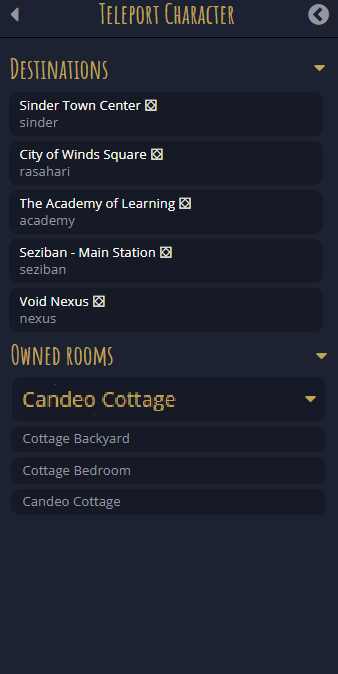
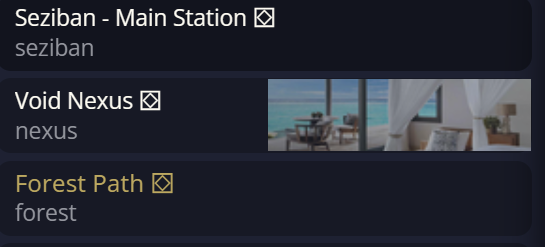
The issue I had before is the same one I am encountering right now, and it is the following: rooms are organized terribly. You see, when one opens the list of rooms they own, they see the list of possible teleport nodes, such as the pre-registered ones and player-registered teleports, plus all the rooms you own as a player, meaning rooms owned by that character.
The long list I see wouldn’t be a problem if my character owned only ten rooms in total, but as I am building, that list is getting too overcrowded; finding a room in there is like searching for a needle in a haystack.
My suggestion would be the following: drop-down menus.
The idea is that you have the main area, you drop down the menu, and you see all the sub-areas (also as drop-down menus) and the rooms linked to that area. So, if I am searching for one room in particular in a specific area, I know where to go. This also helps me keep track of the areas I own and which room is located in each area.
I am not a techy person; I understand nothing of that stuff aside from the basic logic behind a script (which is not as basic as I thought), so I don’t know how viable this is. Yes, I am aware that the “teleport to (room)” command exists, but I might have rooms that have the same name, and remembering their IDs is not ideal.